
FlatVR
A downloadable tool for Windows
Play Flat PC Games in Volumetric 3D
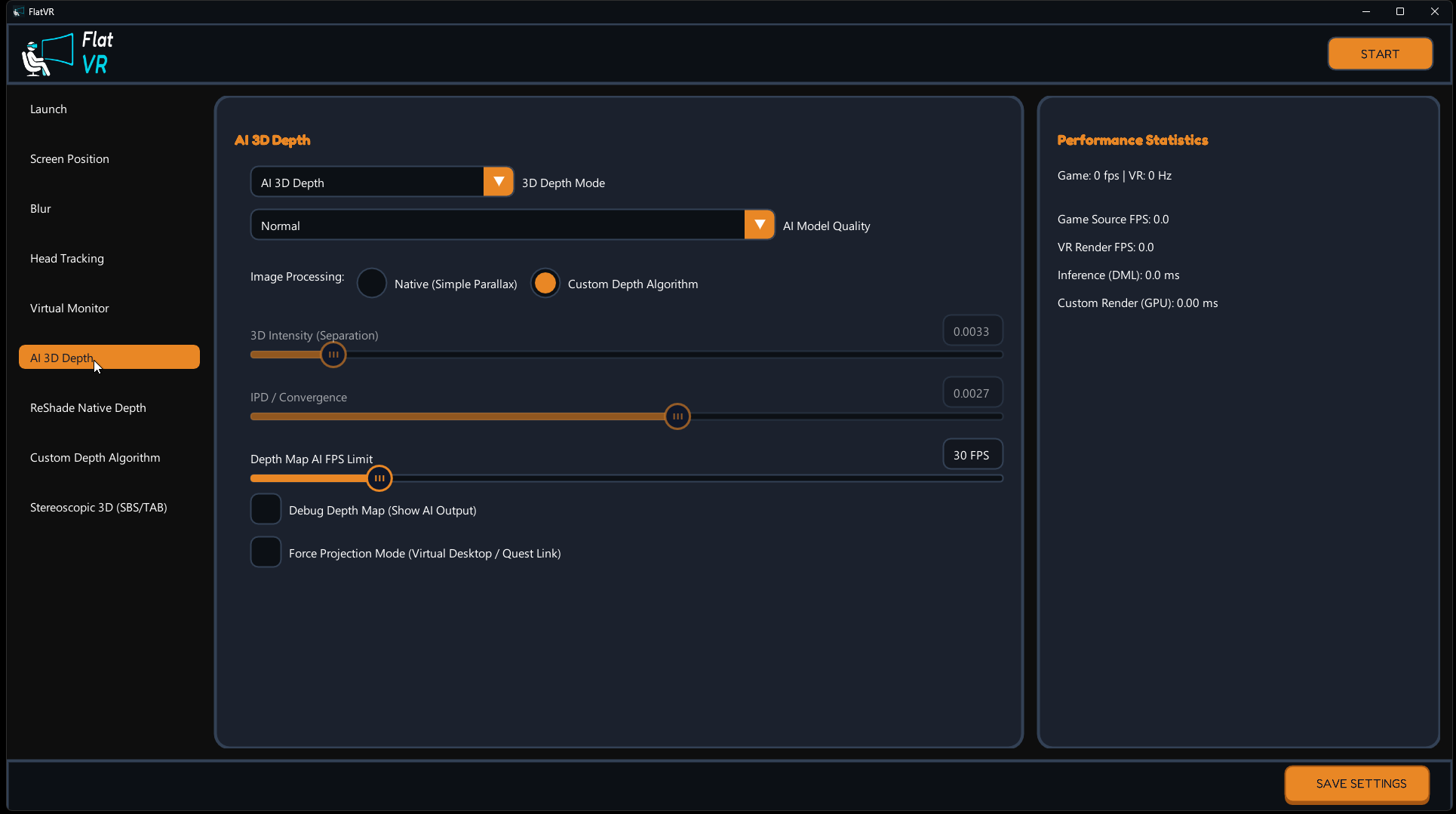
FlatVR projects your flat games, videos, and desktop onto a massive curved virtual screen inside your headset, converting standard 2D views into 3D using real-time AI depth mapping or native game engine depth.
Choose Your 3D Mode
1. AI-Assisted 3D Depth (Universal)
Requires: NVIDIA GPU (RTX 3060 or higher)
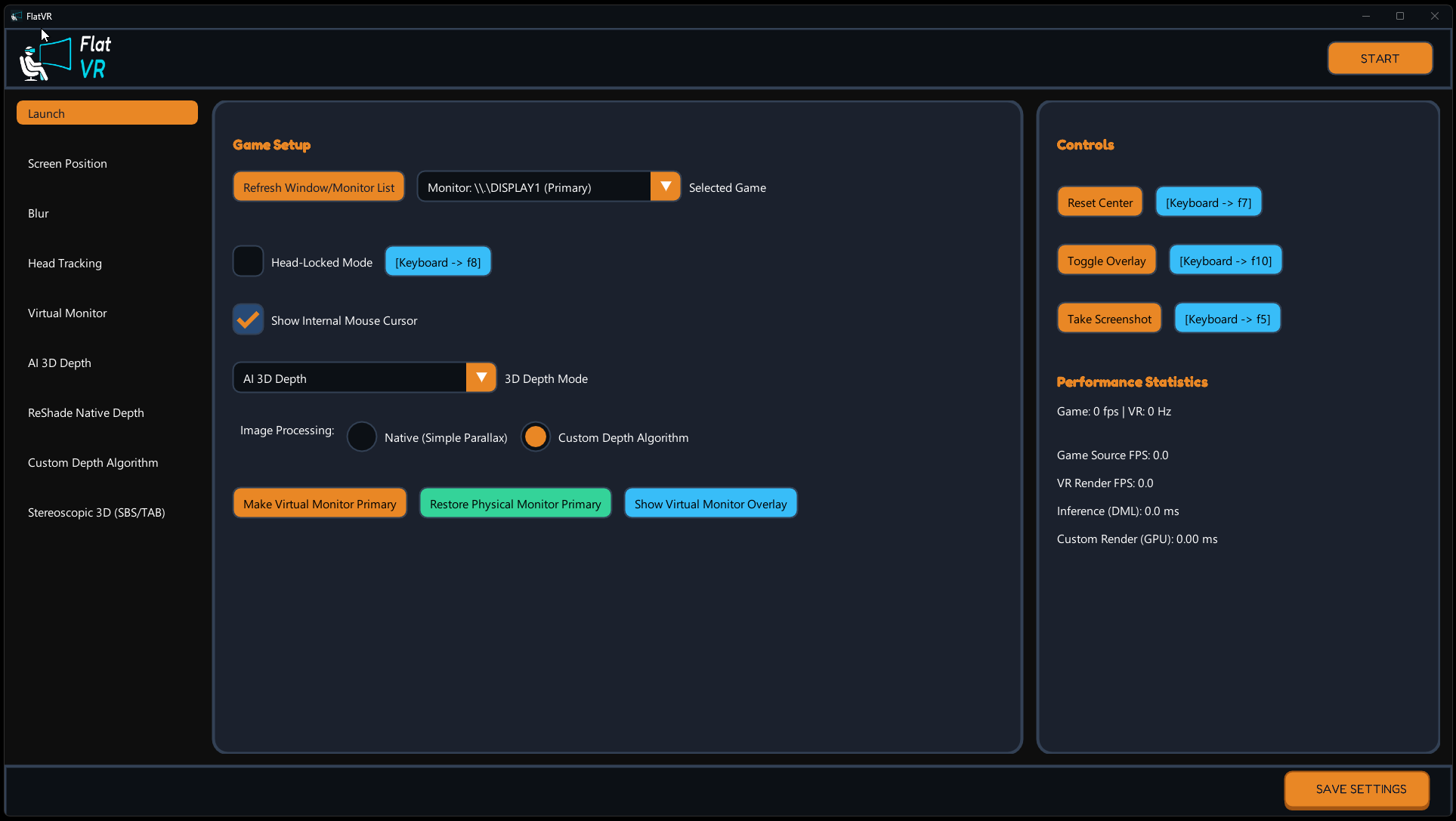
A real-time neural network (Depth-Anything-V2) predicts a high-fidelity depth map on your GPU in real-time. Works with everything: old games, videos, emulator titles, or your desktop.
2. ReShade Native Depth Extraction
Requires: ReShade installed in-game
The included addon extracts the raw depth buffer directly from the game's rendering pipeline. Bypasses AI for pixel-perfect 3D using the actual geometry data the game renders internally.
Choose Your Device Mode
1. Native OpenXR VR App
Requires: PCVR Headset
Launches natively on your Quest, Pico, Valve Index, or WMR headset. Projects a giant virtual screen in front of you with full 3D depth—no extra third-party software (like Virtual Desktop or Meta Quest Link) required.
2. AR Glasses SBS Mode
Requires: AR Glasses or 3D Monitor
Output a standard stereoscopic Side-by-Side (SBS) or Top-Bottom (TAB) feed directly to Xreal Air, Rokid, Viture, or 3D monitors and projectors.
Built-In Tools
Virtual Display Driver
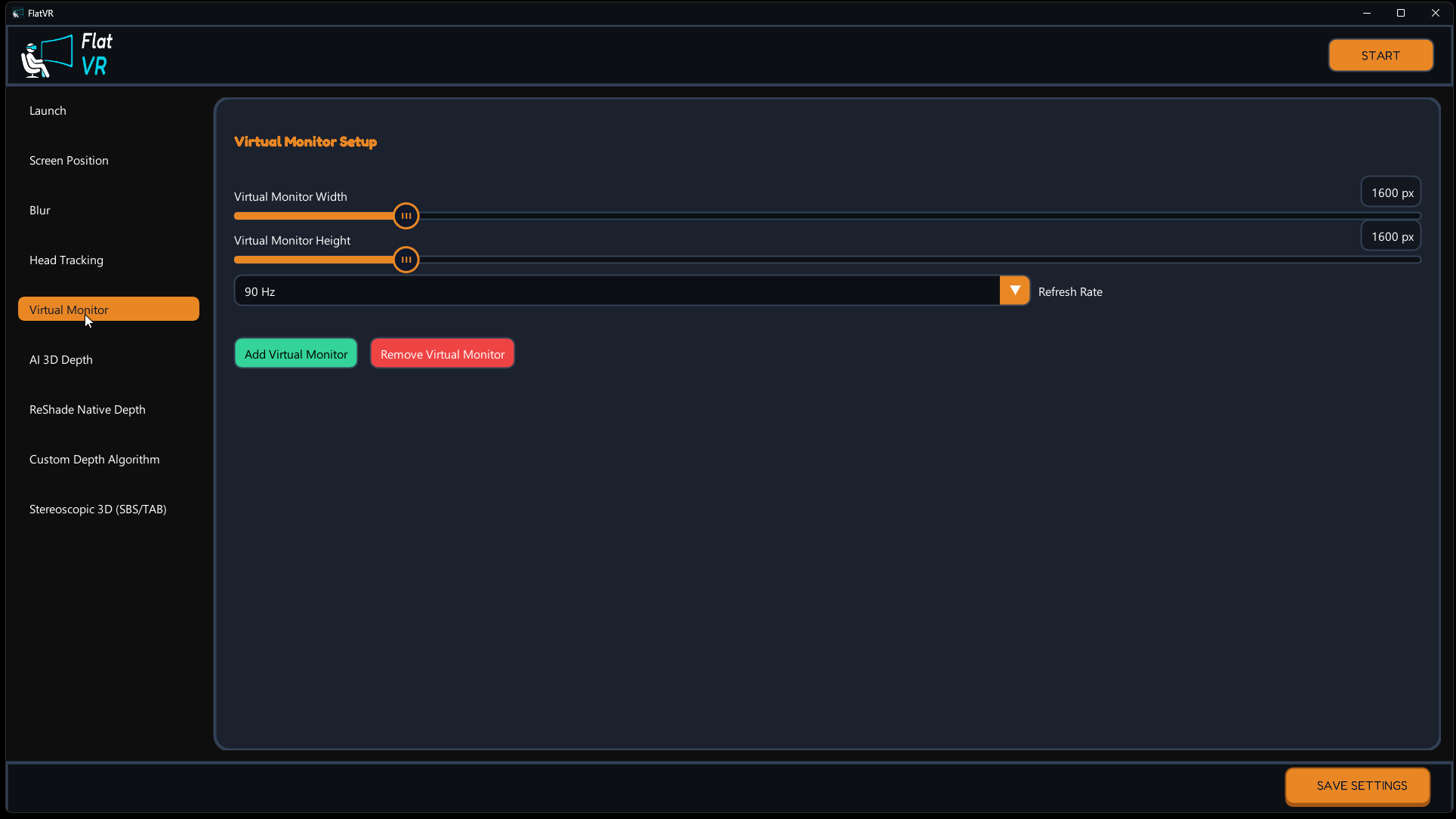
Includes a virtual display engine to host games up to 4K resolution at 120Hz, bypassing your physical screen's refresh limits for smooth, high-fidelity VR playback.
Head Tracking
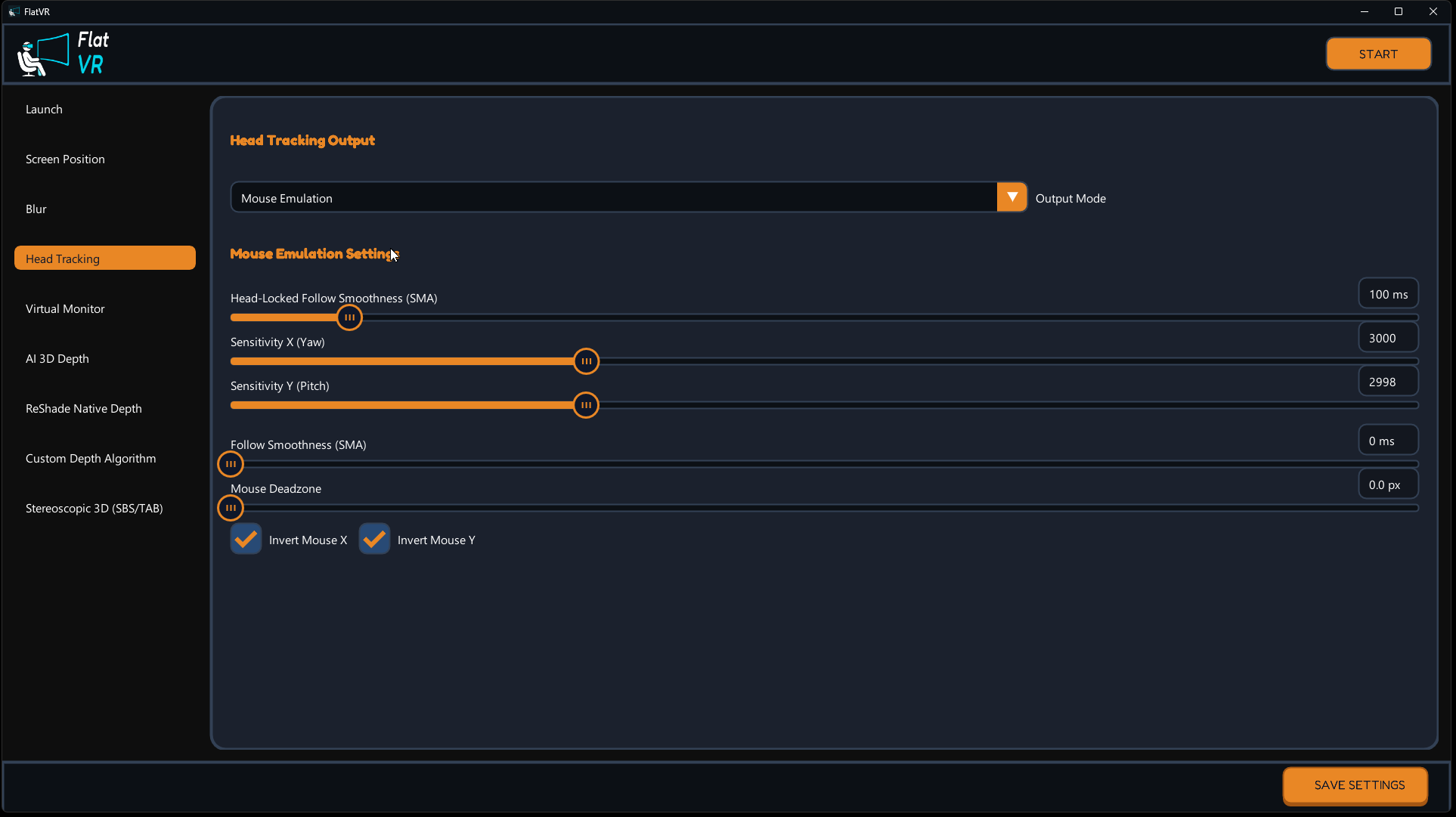
Streams head tracking data via Opentrack UDP, converting your headset's physical rotation into in-game camera movement/mouse aiming.
SuperDepth3D Shader Processing
Customizable depth controls: adjust Separation (3D strength), Convergence (Zero Parallax Plane), and enable Steep Parallax Mapping to eliminate edge stretching and black seam outlines.
Why FlatVR?
- Safe VR Play — Non-invasive rendering. Zero memory patching, making it safe from anti-cheat triggers and bans.
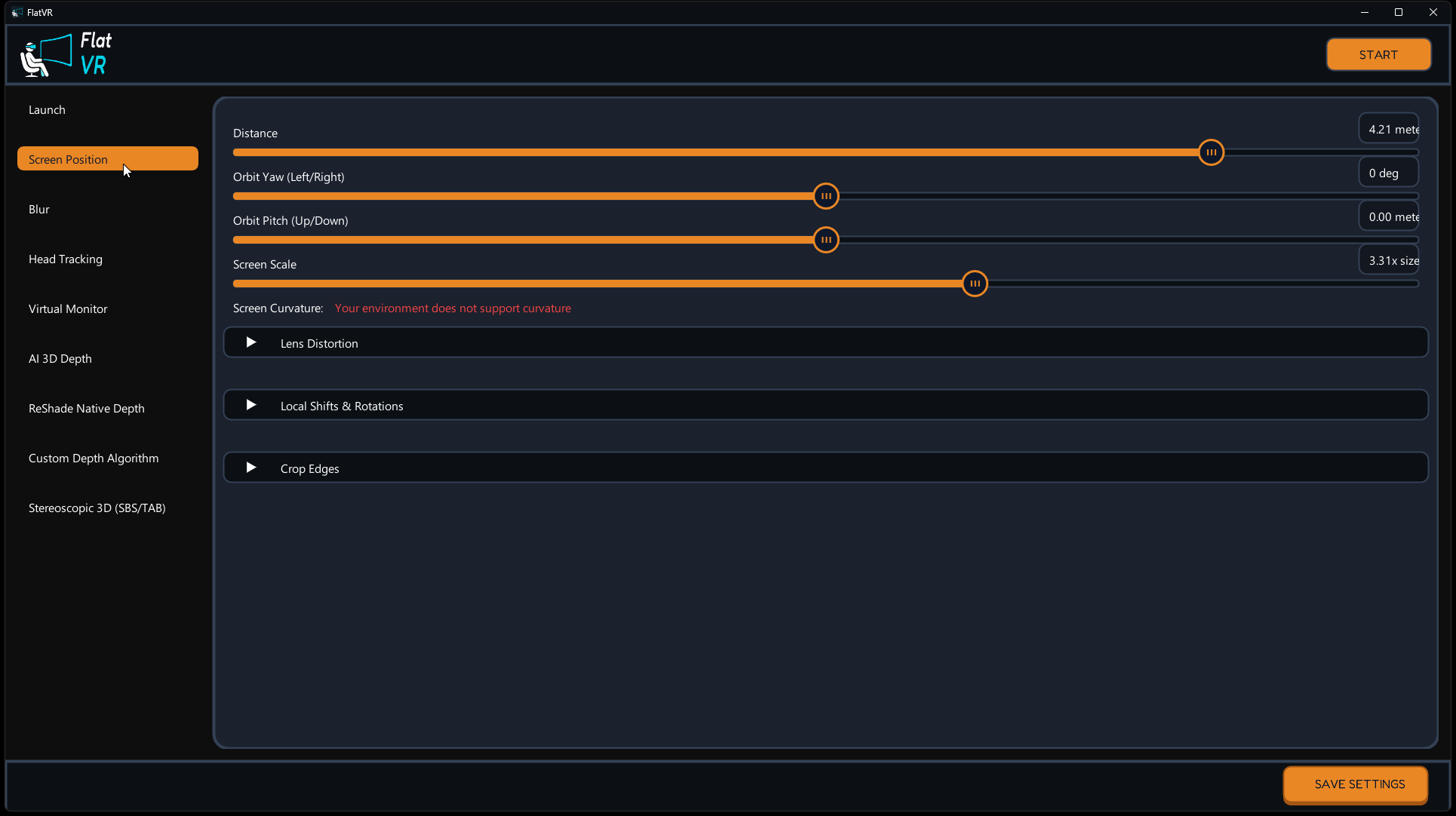
- Comfort — Adjust screen size, curvature, and distance to match your eyes, preventing VR motion sickness.
- Ultra-Low Overhead — C++ graphics pipeline using zero-copy texture transfers for maximum game FPS.
Try Before You Buy!
Unsure if FlatVR is right for you? Want to test it on your setup?
👉 Click here to download the FREE LITE VERSION!
*(The Lite version includes all features with a 10-minute session limit for PRO features. Simply restart the app to reset the timer and continue testing!)*
Join Our Community
- Official Website: bodywalkvr.com
- Discord Support: Join our Discord
IMPORTANT NOTE: FlatVR is a Windows-based utility built specifically for PCVR. It does NOT run natively on standalone headsets (like Quest or PICO) without a PC connection (via Link, Virtual Desktop, AirLink, etc.).
Purchase
In order to download this tool you must purchase it at or above the minimum price of $10 USD. You will get access to the following files:
Leave a comment
Log in with itch.io to leave a comment.